Motorcycle Retrofit Kit 5
Zoomed Image

Motorcycle Retrofit Kit 5" IPS Touchscreen w/Wireless CarPlay/Android Auto & Auto-Reconnect IP67 Waterproof CS88A

CS88A-5inch-screen-Host

MOCENDO

Introduction
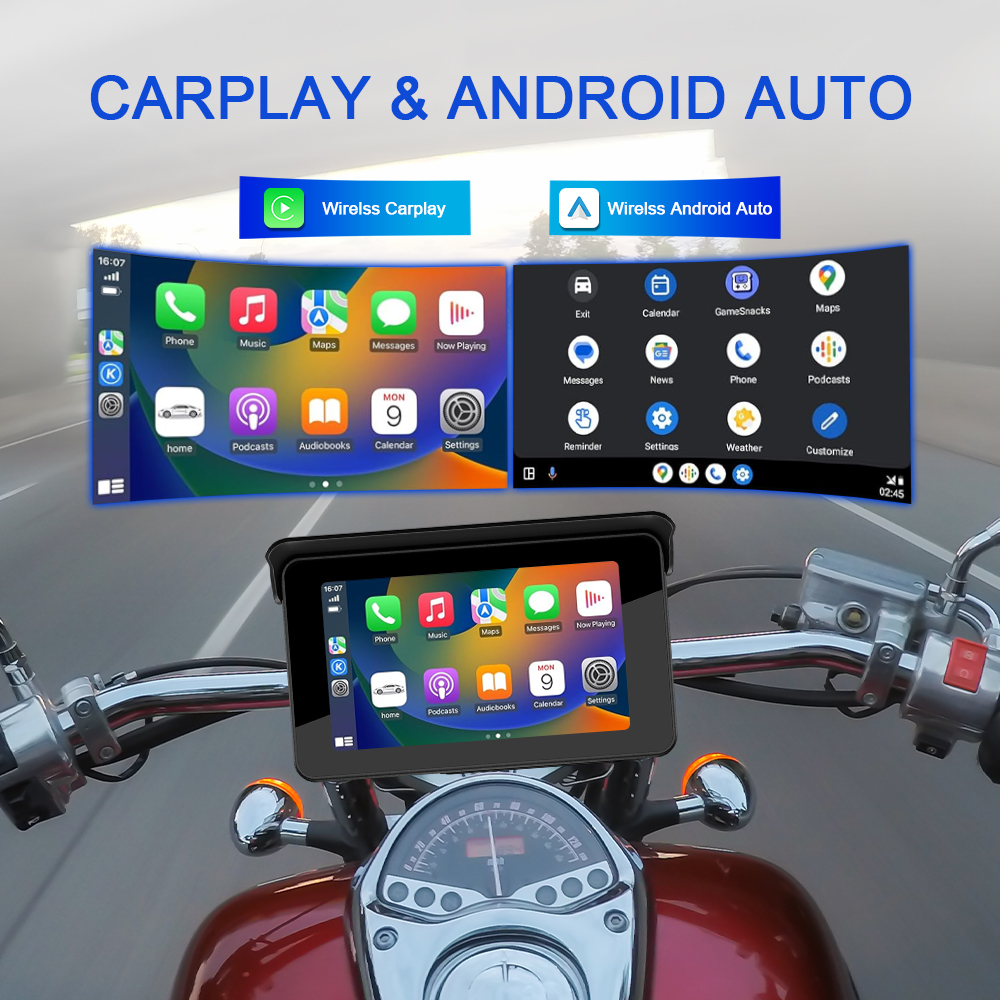
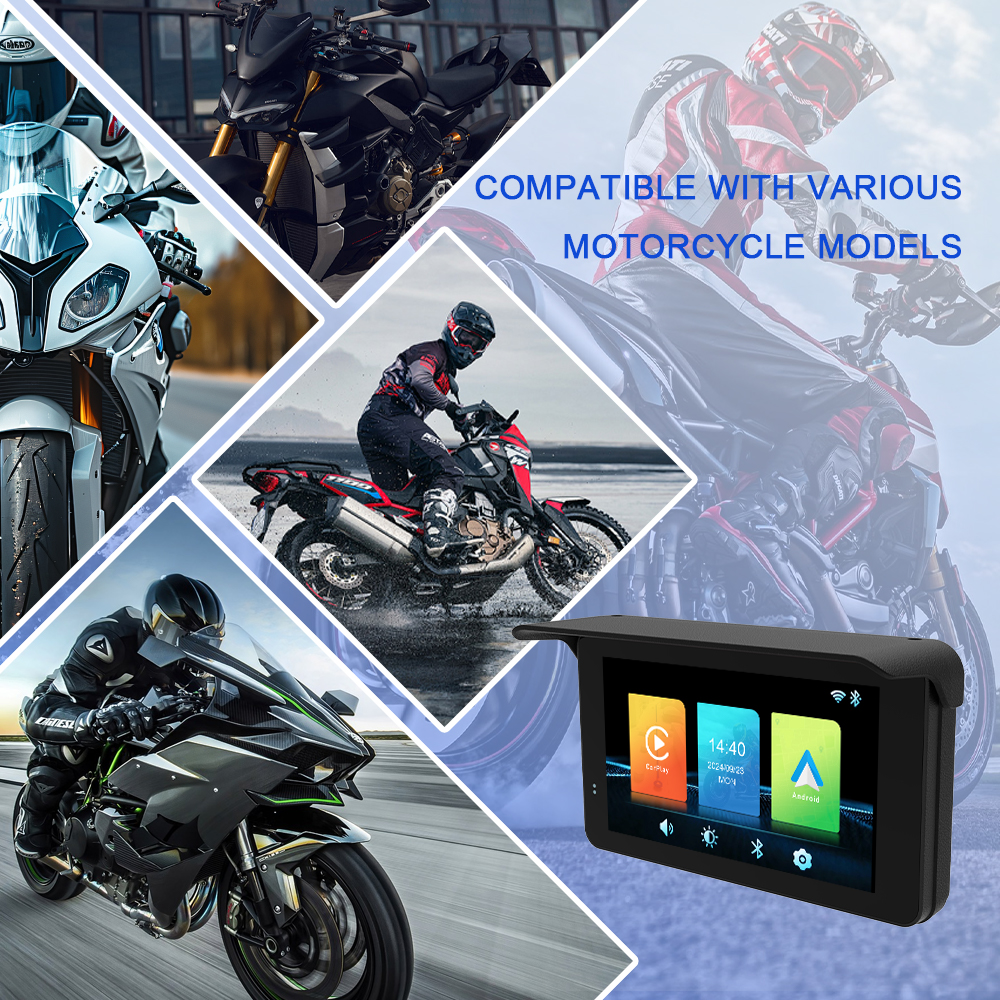
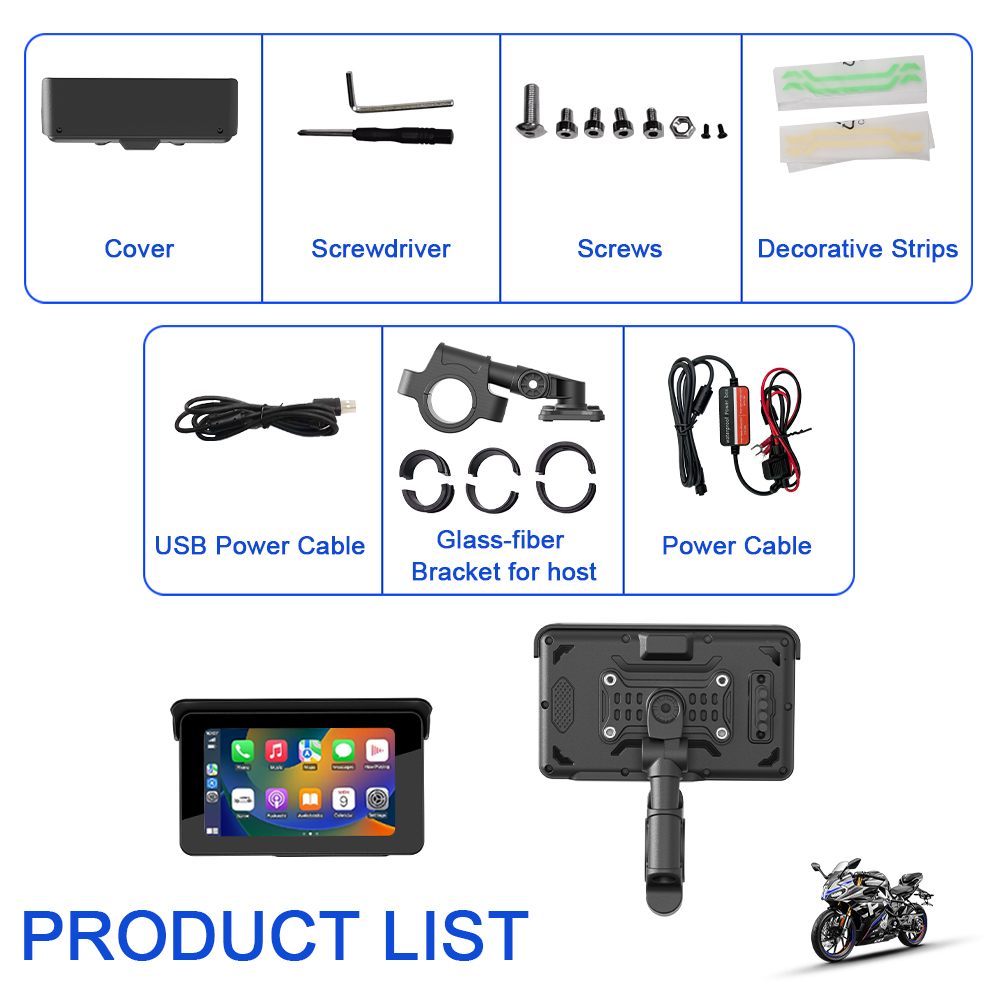
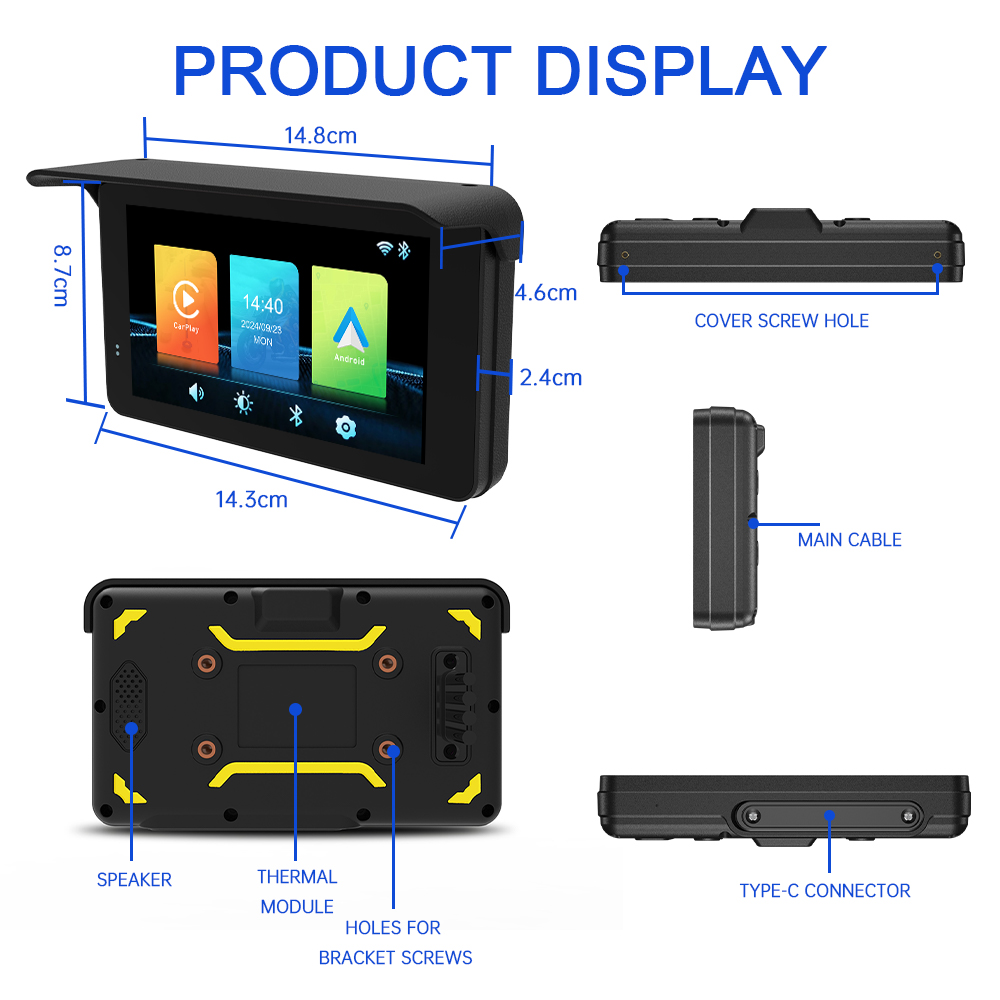
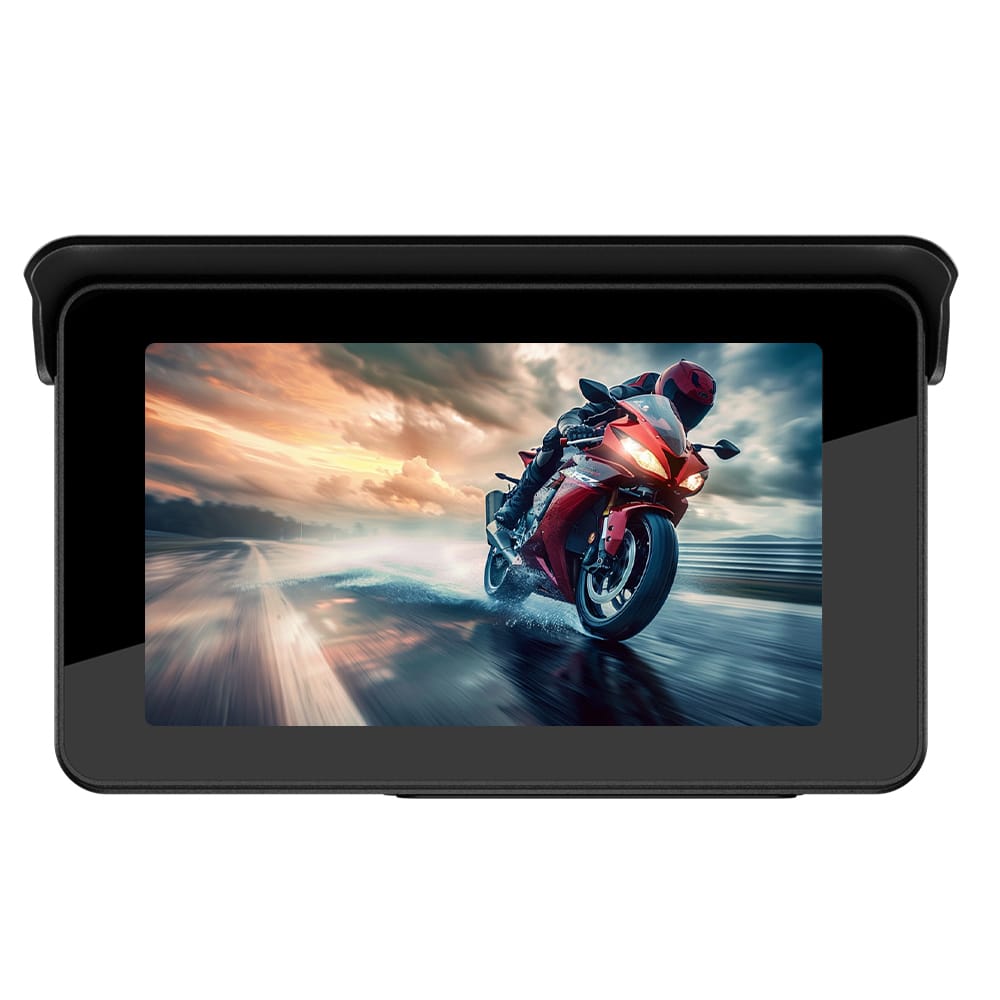
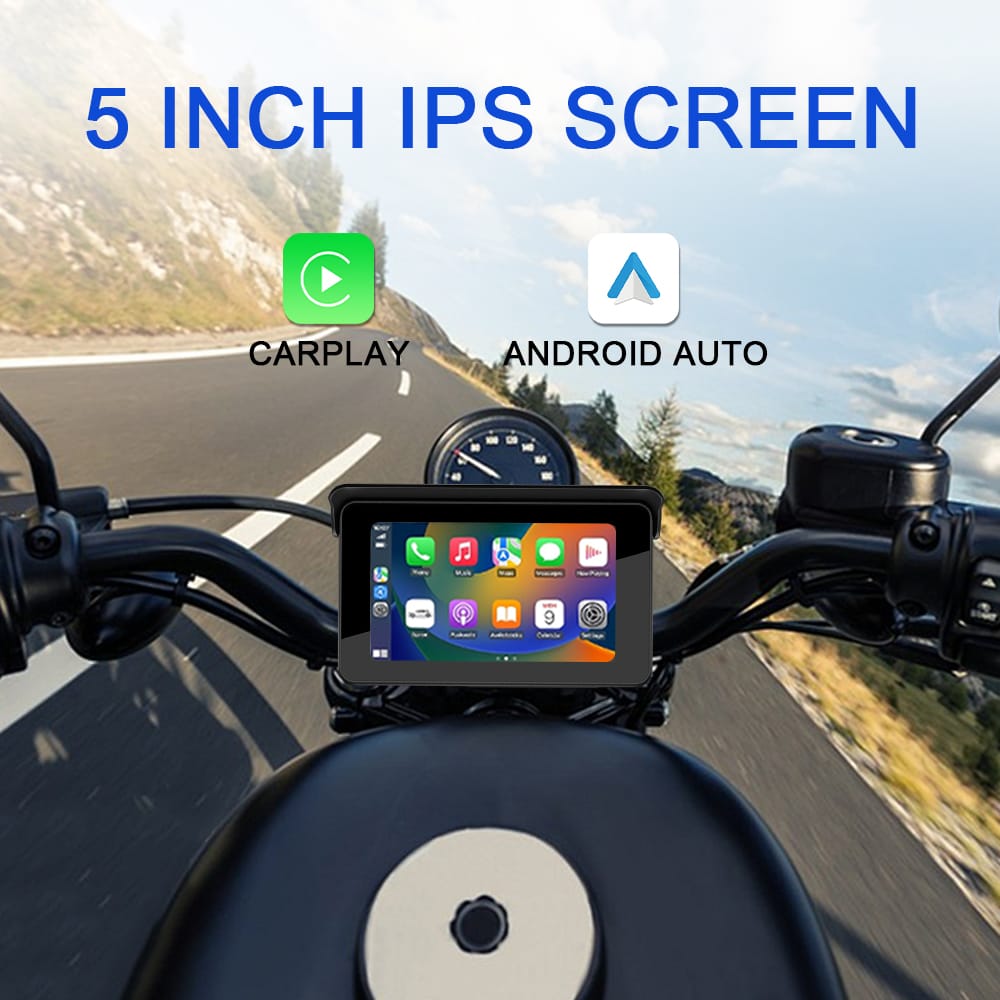
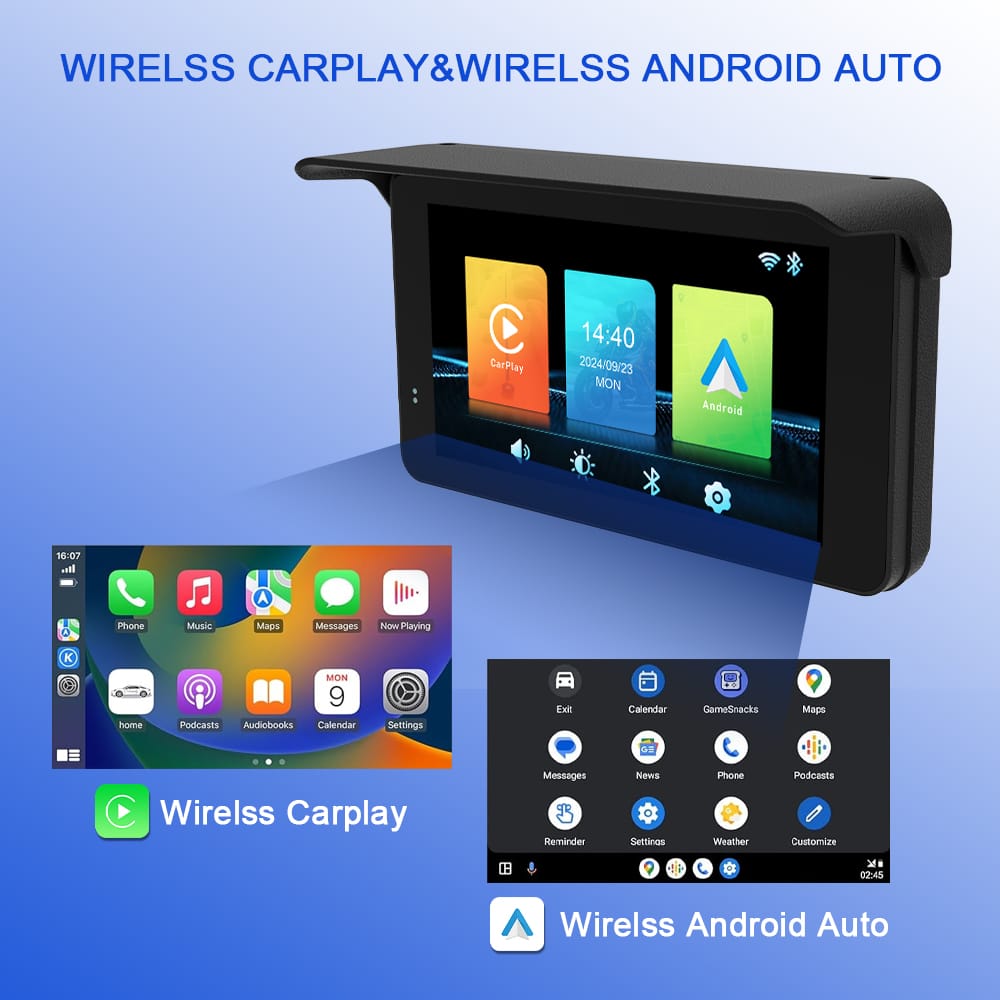
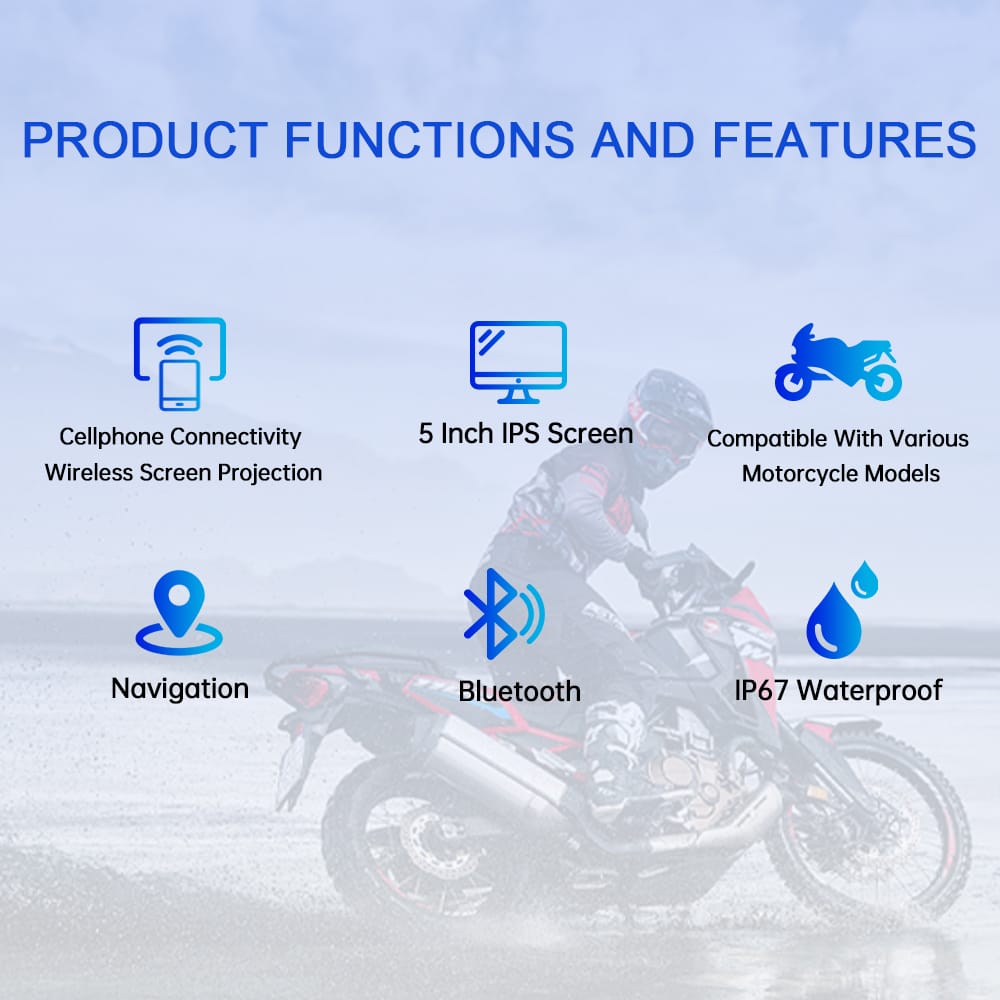
Experience seamless connectivity and crystal-clear navigation with the CS88A Motorcycle Wireless Projection System—your ultimate retrofit companion for smarter, safer rides. Designed for riders who demand both performance and convenience, this cutting-edge device brings Apple CarPlay & Android Auto right to your handlebars, all on a vibrant 5.0-inch IPS touchscreen.

Why Choose the CS88A?
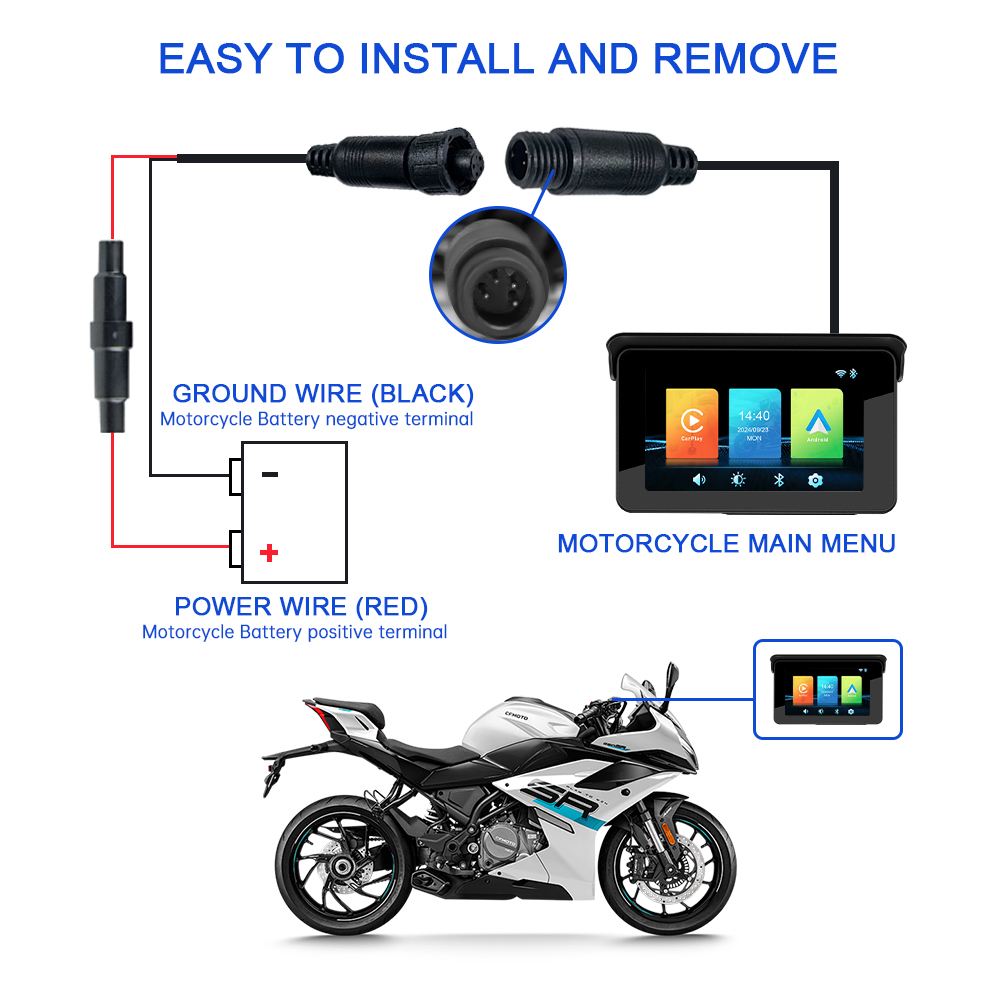
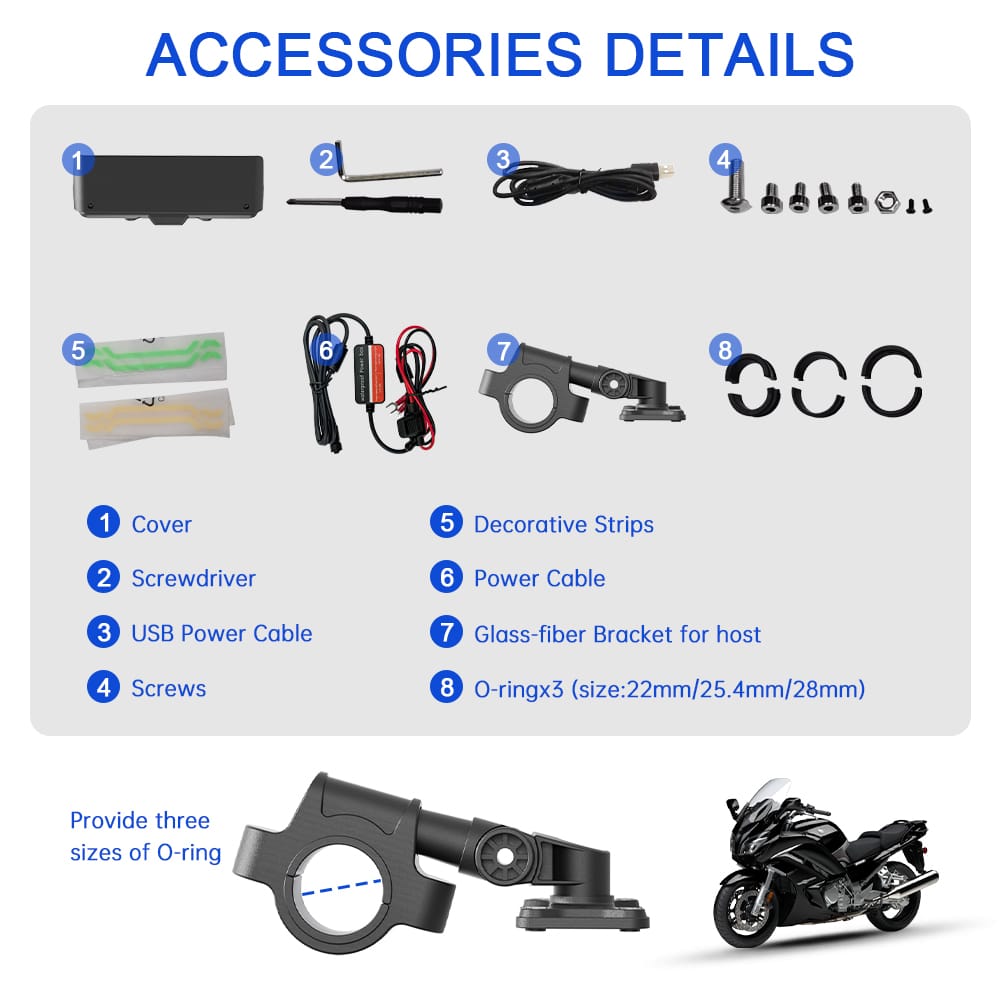
1.Plug-and-Play Simplicity – Effortlessly retrofit your bike with universal 12-24V compatibility, low-voltage protection, and ACC ignition support.
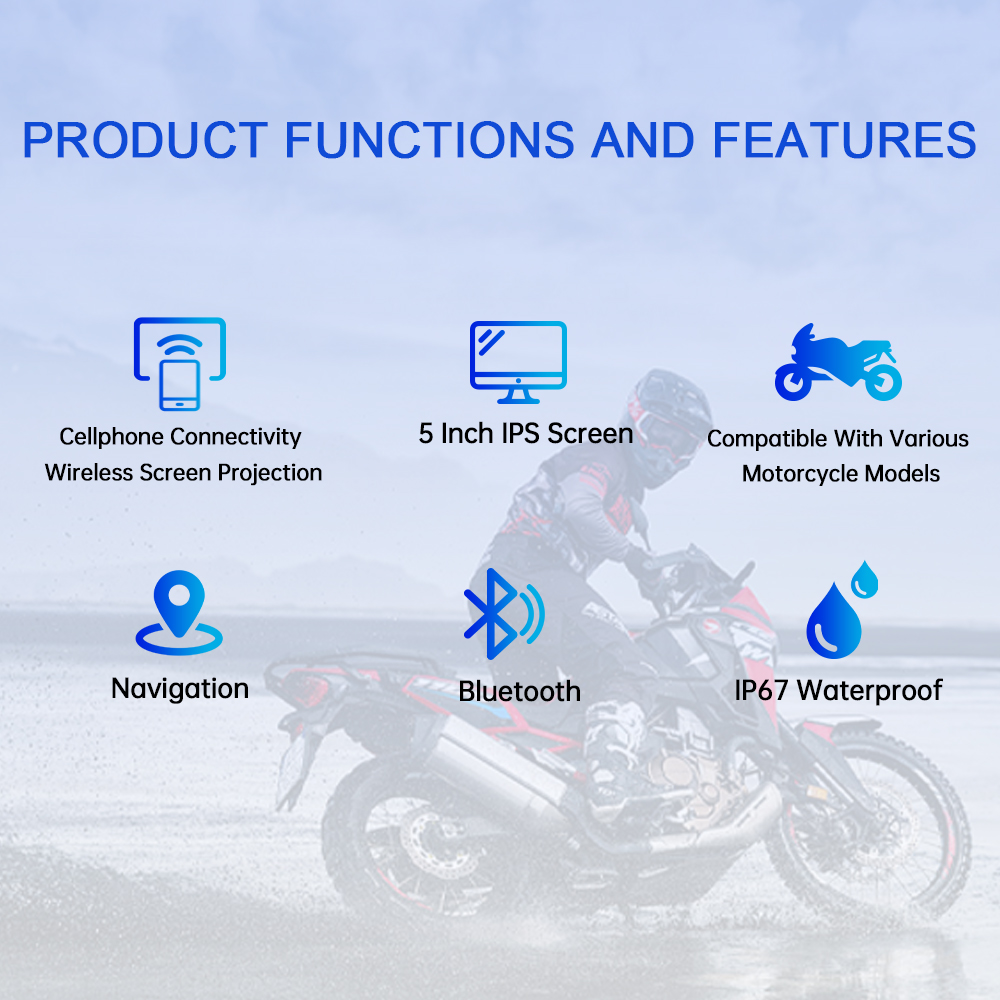
2.Wireless Freedom – Ditch the cables! Enjoy smooth Bluetooth & WiFi connectivity for instant access to maps, music, and calls.
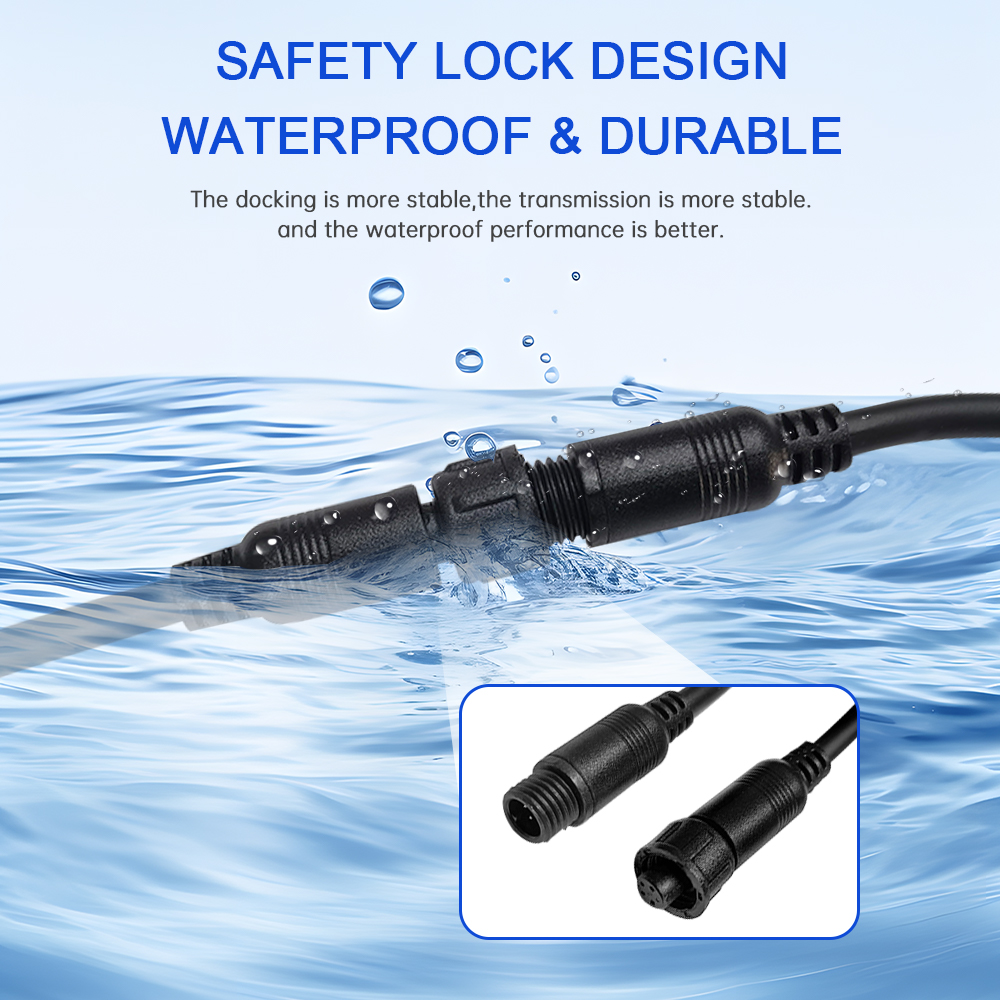
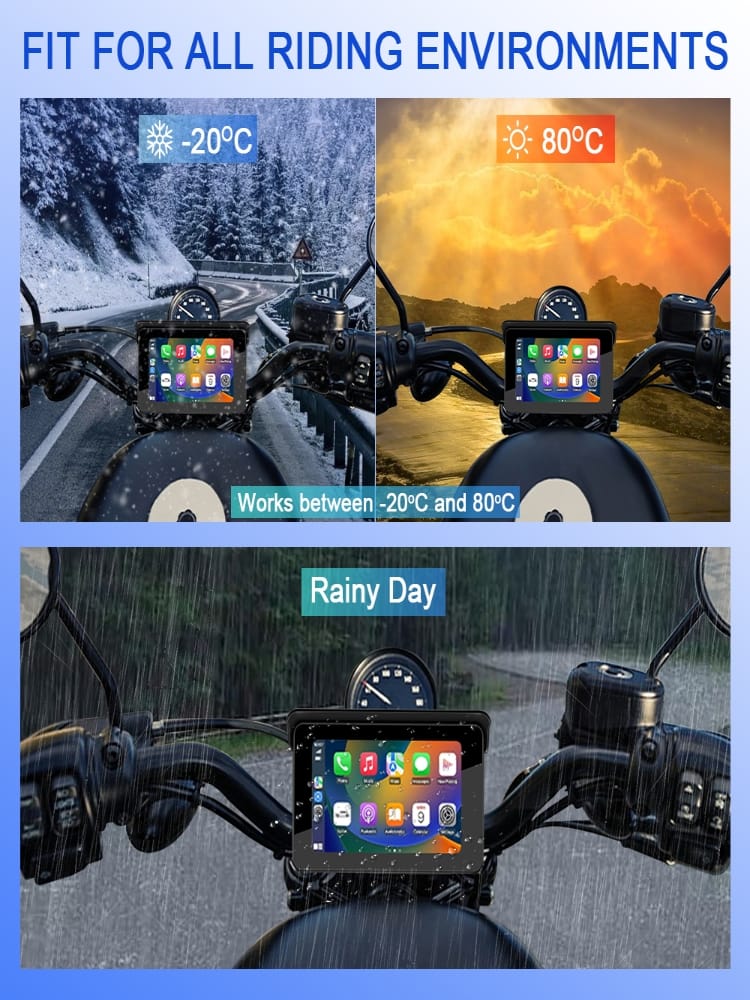
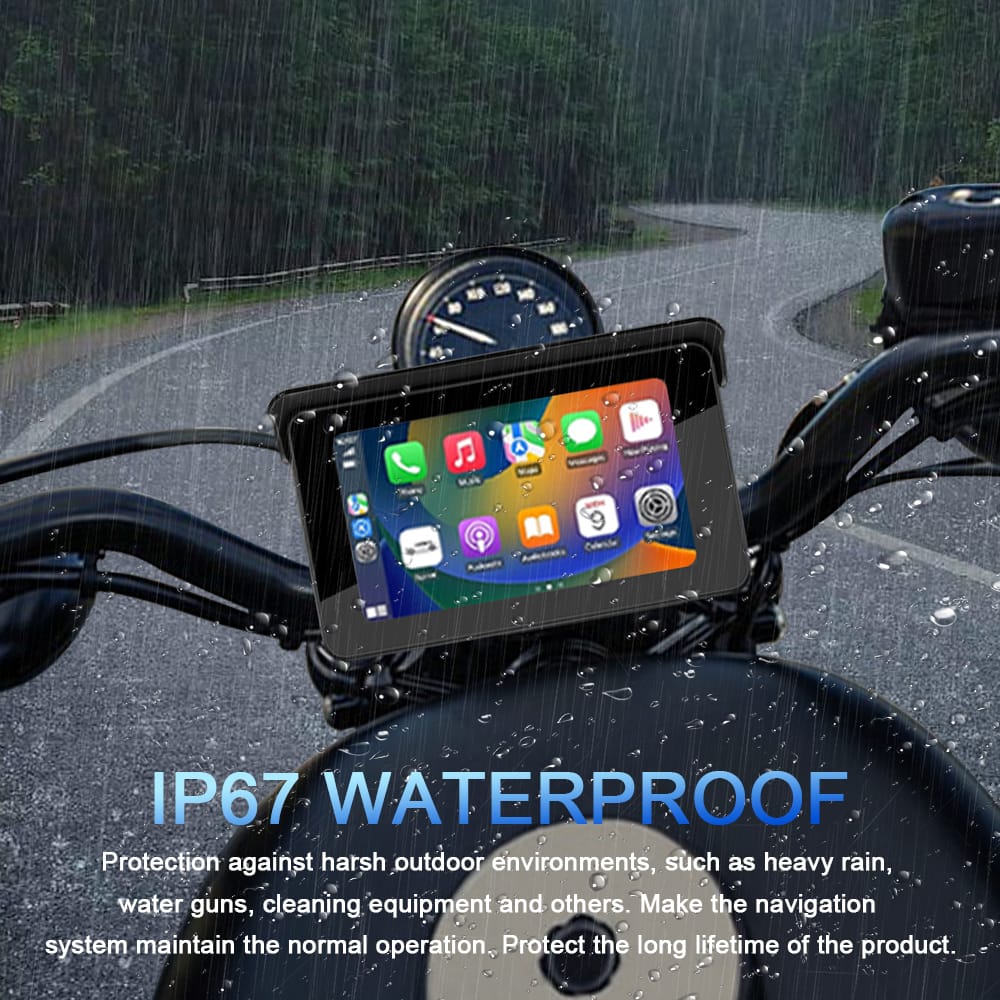
3.Rugged & Reliable – Built from ABS+PC for durability and rated IP67 waterproof to withstand rain, dust, and rough rides.
4.Long-Lasting Power – A built-in button battery ensures quick reconnection, even after restarting.
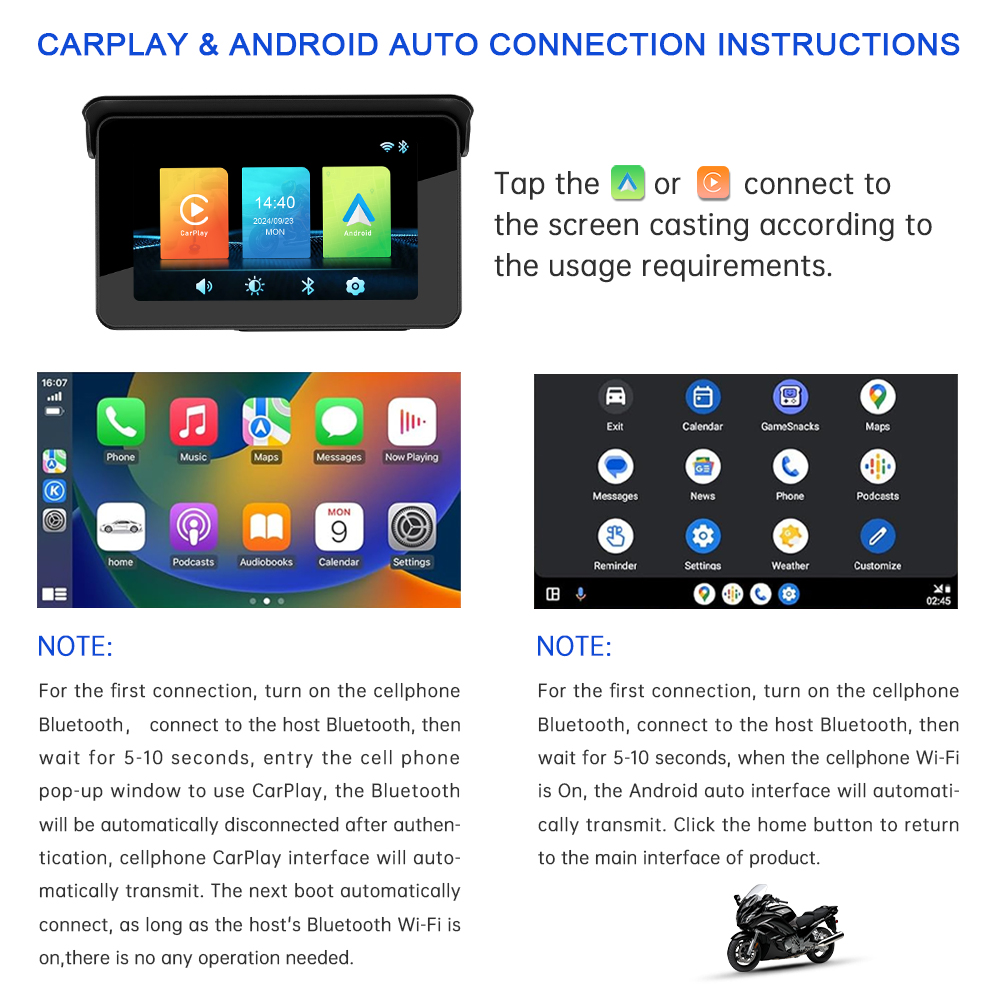
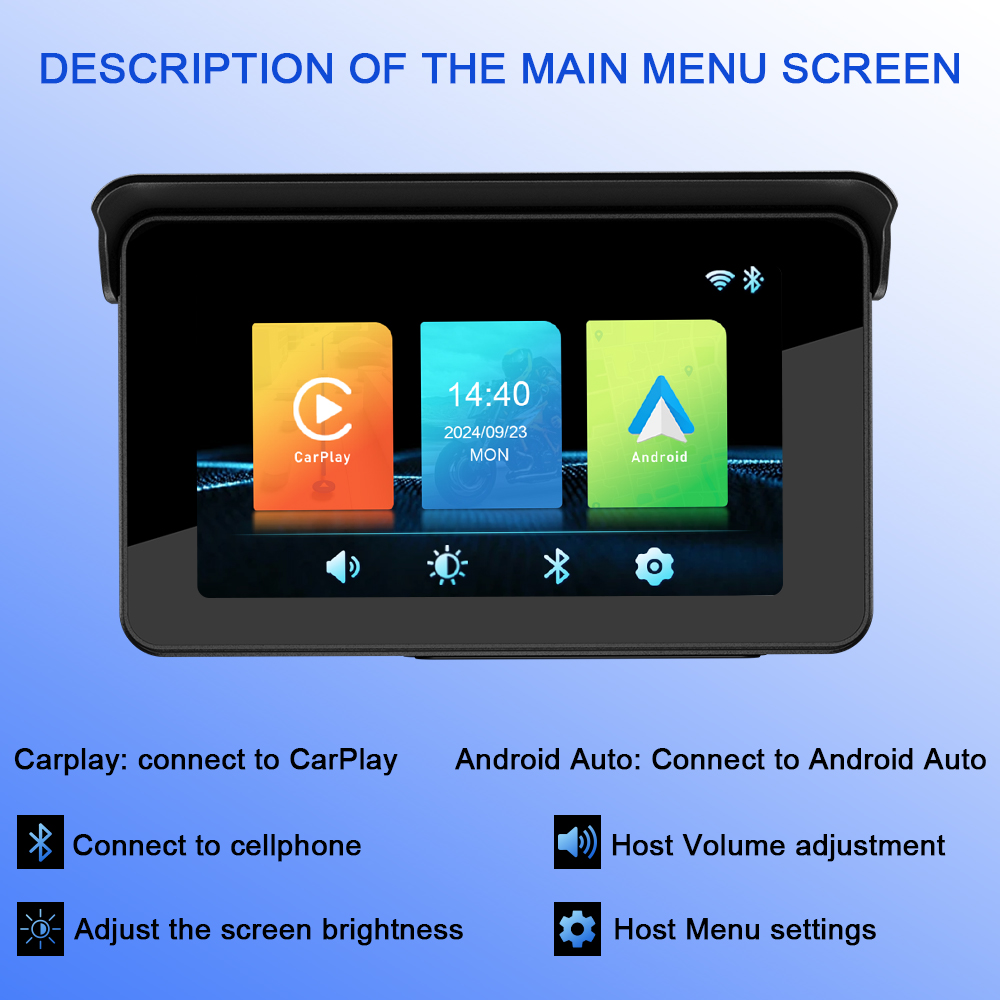
5.User-Friendly Controls – Easily disconnect/reconnect CarPlay/Android Auto with a tap or via Bluetooth—no hassle, just ride.

Ride Smarter, Ride Safer
Whether you’re navigating city streets or hitting the open road, the CS88A keeps you connected without distractions. Upgrade your motorcycle today and transform every journey into a high-tech adventure!
$49.00
Lv.1 Lv.1
0% OFF
Specification Attributes:
CS88A-5inch-screen-Host
Quantity :
-
1
+
Shipping cost:
--- to --- via ---
More options
Estimated delivery time:
---

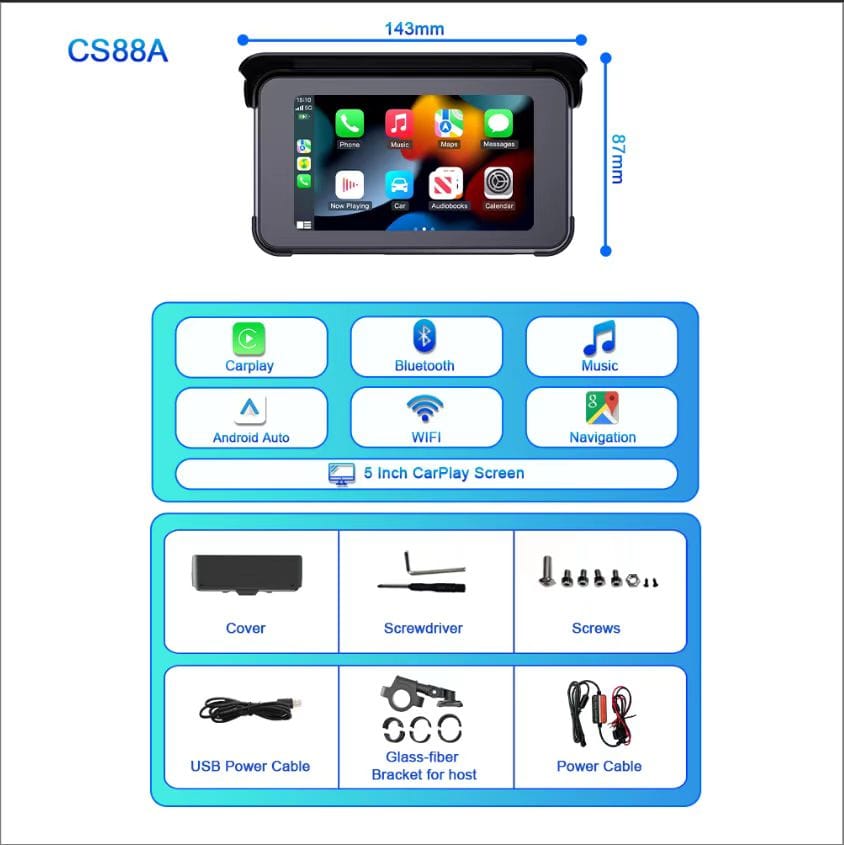
5inch Motorcycle Navigation CS88A

Model:Motorcycle wireless projection CS88A
Material:ABS+PC
Purpose: retrofit/upgrade
Support:CarPlay/Android Auto
Waterproof rating:IP67
Screen projection function:Support Apple carplay/Android auto
Built-in battery: built-in button battery
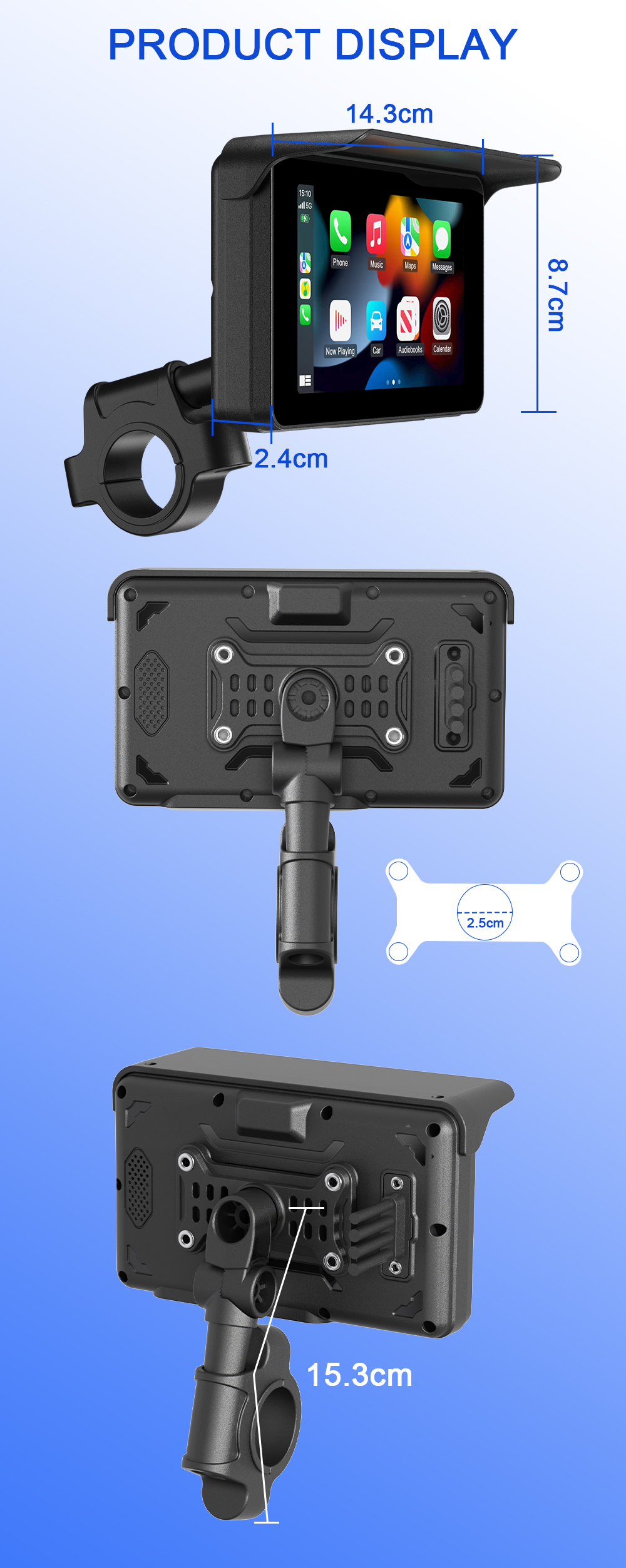
Display size: 5.0 inch IPS touch screen
Input voltage:12-24V/Low pressure protection/ACCstart


Common Troubleshooting Solutions

1.How to disconnect CarPlay orAndroid auto?
Answer: Just turn off the WiFi or forget the Bluetooth device.
2.How do I reconnect to the Carplay/Android auto after manually disconnecting it?
Answer: Just reconnect to the dash cam through Bluetooth.
3.How do I reconnect to Carplay/Android auto after restart the dash cam.
Answer: It will be connected back automatically when Bluetooth and WiFi are both enabled.
Product Details


Reviews

(0 reviews)
5 star

0%
4 star

0%
3 star

0%
2 star

0%
1 star

0%
Average rating: 5
based on 0 reviews

Share your thoughts with other customers

Write a Review
Most Recent
Most Recent
Earliest
Highest Rating
Lowest Rating
Pictures First
Most Recent
Most Recent
Earliest
Highest Rating
Lowest Rating
Pictures First

You May Also Like


We and our partners use cookies and other technologies to improve your experience, measure performance, and tailor marketing. Details in our Privacy Policy.
Customize Reject Accept
Chatting closeChat

sendFile

 Motorcycle Retrofit Kit 5" IPS Touchscreen w/Wireless CarPlay/Android Auto & Auto-Reconnect IP67 Waterproof CS88A

Motorcycle Retrofit Kit 5" IPS Touchscreen w/Wireless CarPlay/Android Auto & Auto-Reconnect IP67 Waterproof CS88A

$49.00